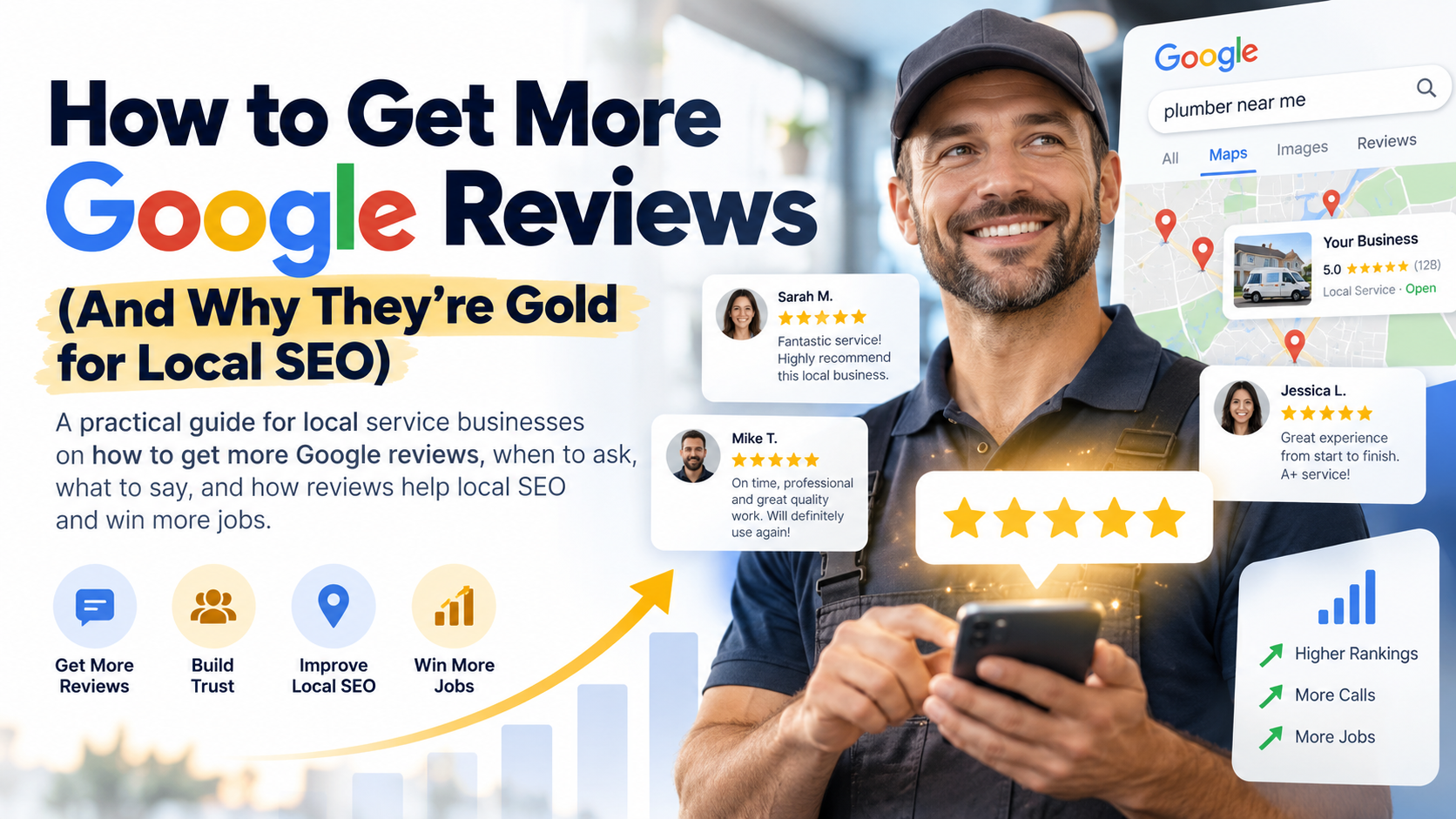
The Triple Threat: How Reviews Impact Rankings, Clicks, and Calls
Let's be direct: if you want to win your category in your city, you need a steady stream of positive Google reviews. It’s not optional. Reviews are a powerful triple threat that directly impacts your bottom line.
- Rankings: Google has explicitly stated that high-quality, positive reviews improve your business's visibility. Review quantity, velocity (how fast you get them), and diversity are known ranking factors for the Google Map Pack. More and better reviews help you climb the rankings.
- Clicks: When a customer sees three businesses in the Map Pack, who gets the click? The one with 4.9 stars and 382 reviews, or the one with 4.2 stars and 47 reviews? A strong review profile acts as powerful social proof, grabbing the customer’s attention and earning their click over your competitors.
- Calls: A click is good, but a call is better. Reviews build trust before a potential customer even visits your website. They read about the positive experiences of others, which lowers their buying anxiety and makes them significantly more likely to pick up the phone. This directly impacts the ROI of your marketing efforts.
Treating reviews as an afterthought is like leaving your best salesperson on the bench. It's time to build a proactive system to generate them consistently.
Your Secret Weapon: The Direct Google Review Link
The single biggest barrier to getting more reviews is friction. If a customer has to search for your business, find your profile, and then figure out where to click to leave a review, you've already lost them. You need to make it ridiculously easy. The solution is a direct review link.
How to Create Your Google Review Link
Google makes this simple. You don't need a third-party tool to generate this link.
- Log in to your Google Business Profile Manager.
- If you have multiple locations, select the one you want to manage.
- On the main dashboard, you'll see a card that says "Get more reviews." Click the "Share review form" button.
- A pop-up will appear with your unique, shortened review link. Copy it.
This link takes customers directly to the review submission window for your business, with the 5 stars ready to be clicked. It removes all the guesswork and friction.
Where to Put Your Review Link for Maximum Visibility
Now that you have your link, put it everywhere a happy customer might see it:
- Your Website: Add it to your site's header, footer, and contact page. You can use a simple text link like "Review Us on Google" or a more graphical button.
- Email Signatures: Add the link to the email signature of everyone in your company, from the owner to the technicians to the office staff.
- Invoices & Receipts: Add the link (or a QR code version of it) to the bottom of your digital invoices and receipts.
- "Leave-Behind" Materials: Create a small, professionally printed card or magnet that your technicians can leave with a customer after a job is completed. It can thank them for their business and include a QR code that goes straight to your review link.
The "Ask": Proven Strategies for Getting More Reviews
Making it easy is half the battle; the other half is asking effectively. The timing and method of your ask are critical.
The Post-Service Text or Email
The best time to ask for a review is within a few hours of completing a service, while the positive experience is still fresh in the customer's mind. A simple, automated text message is often the most effective method for many service industries.
Example Text Message Template:
"Hi [Customer Name], this is [Your Name] from [Your Company]. Thanks for your business today! If you were happy with our work, would you mind taking 30 seconds to leave us a Google review? It helps us a lot. [Insert Direct Review Link]"
Keep it short, personal, and direct. The goal is to make it feel like a personal request, not a corporate marketing blast.
Training Your Team to Ask in Person
Your field technicians are your best review-generating assets. Train them to identify happy customers and make the ask right on the spot, as they're finishing up the job.
Example Script for Technicians:
"Alright, Mrs. Johnson, your new AC unit is all set and running perfectly. I'm glad we could get you cooled down today. Hey, if you were happy with the service I provided, would you do me a huge favor and leave a review on Google? It really helps me and the company out."
They can then show the customer the QR code on a leave-behind card or even on a company tablet. This personal touch is incredibly effective.
What NOT to Do: Avoiding Google's Wrath
While you should be proactive, you also need to play by the rules. Violating Google's review policies can lead to your reviews being removed or even your entire profile being suspended.
- Don't Offer Incentives: You cannot offer discounts, gift cards, or any monetary reward in exchange for reviews. This includes running contests or lotteries.
- Don't "Gate" Reviews: You cannot use a system that first asks if a customer had a positive or negative experience and then only sends the happy ones to Google while filtering out the unhappy ones. You must provide all customers with the same opportunity to leave a review.
- Don't Set Up a "Review Station": Do not have a tablet or computer at your office for customers to leave reviews. Google tracks IP addresses, and multiple reviews from the same IP address will be flagged and removed.
- Don't Buy Fake Reviews: This is the cardinal sin. Buying fake reviews will destroy your credibility and will almost certainly get your profile suspended. It's not worth the risk.
You Have Reviews... Now What?
Getting the review is just the first step. A world-class review strategy involves engaging with every single one you receive. Responding to reviews is a powerful part of a complete local SEO system.
Why Responding to Every Review Matters
Responding to reviews sends important signals to both Google and potential customers. It shows Google that you are an active, engaged business owner. More importantly, it shows future customers that you care about your clients' feedback, both good and bad.
How to Respond to Positive Reviews
Don't just say "Thanks!" Add some substance. Your response is another opportunity for marketing and SEO.
- Thank the customer by name.
- Mention the service they received and the city or neighborhood if it feels natural. (e.g., "Thanks, Sarah! We're so glad we could help with your water heater installation in Westover Hills.")
- Reiterate your value proposition. ("We pride ourselves on fast, professional service.")
How to Handle Negative Reviews
A negative review is not a disaster; it's an opportunity. Your professional response can often win over more customers than a dozen 5-star reviews.
- Act Fast: Respond as quickly as possible.
- Acknowledge and Apologize: Acknowledge their frustration and apologize that their experience didn't meet their expectations. This is not necessarily an admission of guilt.
- Don't Get Defensive: Never argue with a customer in a public review.
- Take it Offline: Provide a direct name, phone number, or email for them to contact you to resolve the issue. (e.g., "My name is David, and I'm the owner. This is not the standard we hold ourselves to. Please call me directly at [phone number] so I can personally make this right.")
- Keep it Professional: Remember that your response is not just for the unhappy customer; it's for every potential customer who will read it in the future.
A steady stream of great reviews is a critical part of a winning local SEO strategy, but it's just one part of the puzzle. To dominate your market, your reviews need to work in concert with your Google Business Profile, your website, and your overall online authority. To see how all the pieces of your online presence stack up, get a free, no-obligation audit from Local Conversion System. We'll show you exactly where you can improve to become the one winner in your city.